Finish the day: evening photo and signature
1 min readWaybillsEN · LV · RU
In short
In the evening tap «Finish waybill» and photograph the odometer.
Check the km, private km and fuel.
Sign with your finger and tap «Send waybill».
On the phone
- Tap Finish waybill.
- Photograph the odometer and type the reading.
- Mark how much fuel is left in the tank.
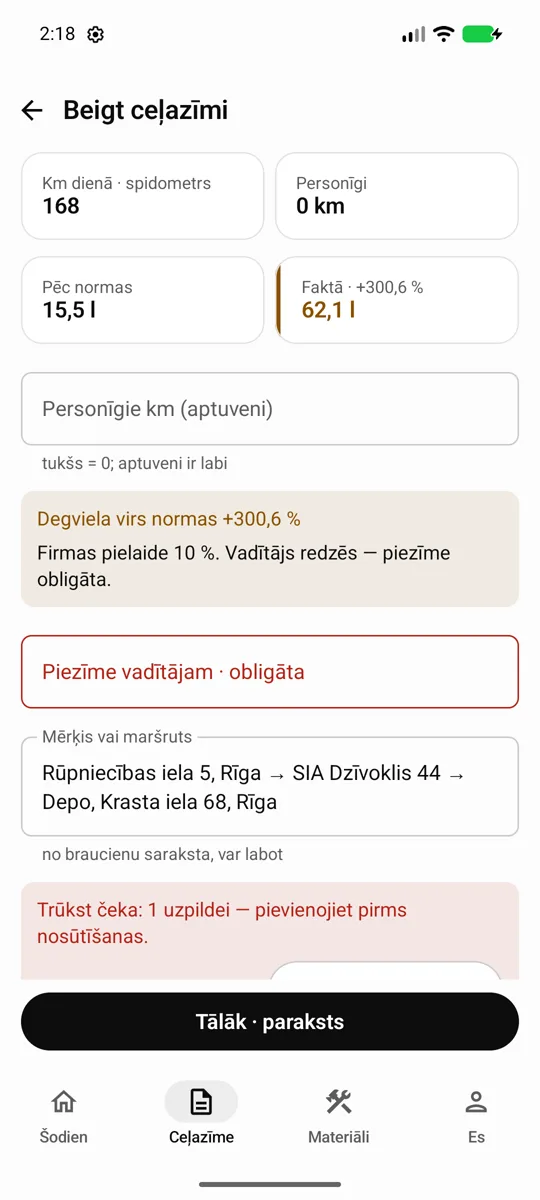
- The check shows the day's km, private km, fuel by the norm and actual.
- If fuel is over the norm, write a note to the manager.
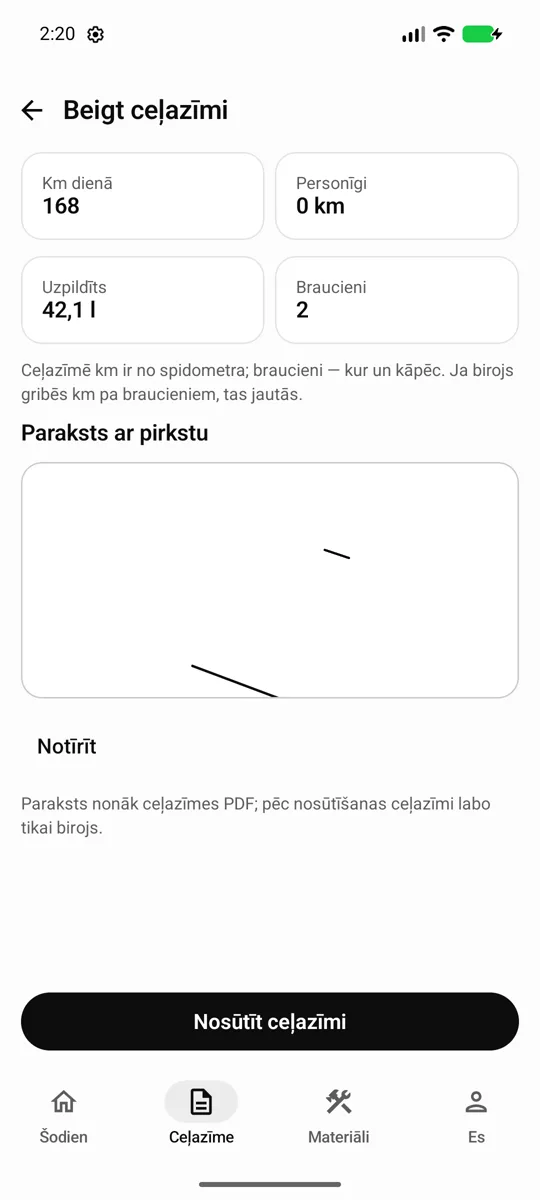
- Sign with your finger and tap Send waybill.
In the cabinet
- Press End day and send.
- Type the evening odometer and add the photo.
- Sign in the box and press Send.
What the system checks
- the evening reading is not lower than the morning one;
- every refuel has a receipt (if the company requires it);
- there is a signature (if the company requires it);
- over the norm there is a note.
If something is missing, you will see what to add and a button that opens it.
Did the article help?